Finally, peace of mind about your child's iPhone
Shelta uses Apple's FamilyControls to set guardrails your kids can't work around. Set it up in 5 minutes, manage everything from your phone.
Free during beta. Invite code required.

We get it. You don't even know where to start.
You're not alone. Many parents feel overwhelmed and don't know what options are out there to keep their kids safe online.
"I just want to hand my daughter her iPad without worrying"
- Mom of 8-year-old
"My son figured out how to bypass Screen Time. I didn't know what else to do"
- Dad of 11-year-old
Shelta is different. It's parent-friendly, easy for anyone to use, and built so clever kids can't find workarounds. We'll walk you through everything.

Guardrails that stay put, even with clever kids
Shelta uses Apple's FamilyControls, the same technology that powers Screen Time, with better controls and a simpler experience. Your settings hold, wherever the device goes.
Stays put
Kids can't remove the app or change the settings without your approval.
Works everywhere
At home, at school, at a friend's house. Always protected.
No workarounds
Powered by Apple's FamilyControls, so the usual tricks don't work.
Everything you need to keep them safe
With Shelta, you have simple controls for all your children's devices to give you peace of mind.
Filter Content
Block adult websites in Safari, restrict explicit content in Apple Music and Podcasts, and enforce age-appropriate ratings across media.
Approve Apps
Decide which apps your child can use. No surprise downloads of games or social media you haven't approved.
Set Screen Limits
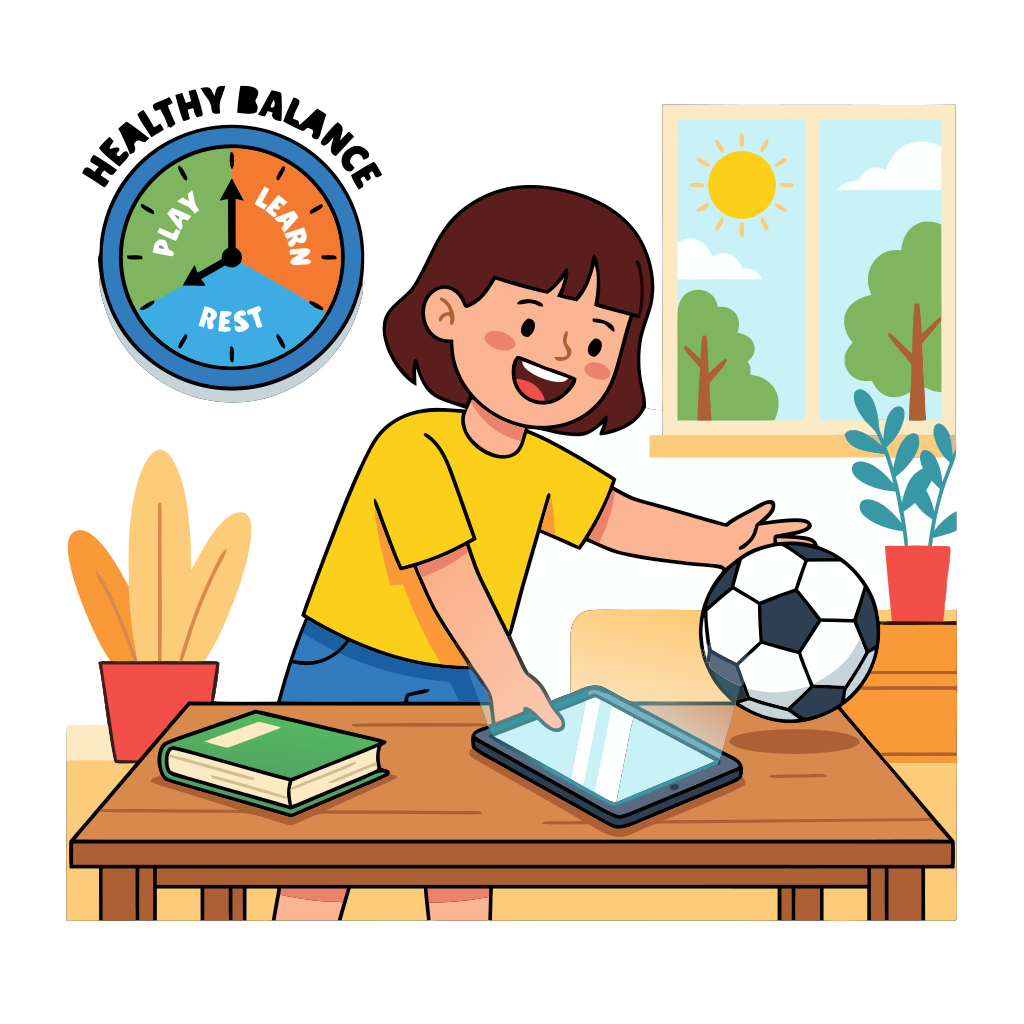
Daily time limits and bedtime schedules that actually work. No more "just five more minutes" battles.
Adjust for Age
Your 7-year-old and your 12-year-old need different rules. You can easily customize settings for each child.
Know When Limits Are Hit
Get notified when your child's screen time runs out or bedtime kicks in. Stay in the loop without hovering.
Manage All Your Kids
With one simple dashboard, you can see and manage all your children's devices with different rules for each.
Up and running in 5 minutes
No cables, no computer, no tech skills required.
Step 1: Create your account
Sign up on shelta.app, add your child's name and age. We'll suggest smart defaults.
Step 2: Your child installs the app
Send an invite to your child's device. They install Shelta and you approve the connection.
Step 3: Guardrails are active
That's it. Adjust settings anytime from your dashboard, no need to touch their device again.
Parents love Shelta
"I was so frustrated with Apple Screen Time. My kids kept getting around it. Shelta actually works. No more VPN tricks, and I get alerts if they try anything."
Sarah M.
Mom of 3
"Setup was way easier than I expected. I'm not great with technology but the app guided me through everything."
Mike T.
Dad of 2
Join the Closed Beta
We're onboarding families in small batches to ensure everyone gets personalized setup support. Sign up to reserve your spot.